
Online Courses

Project ARC’s Online APLEs are self-paced, bite-sized virtual courses that help teachers learn about authentic project-learning experiences (APLEs). You do the learning; we give you authentic, actionable feedback.

We also offer a cohort version of the course.
Each Bite Gets You Closer to Your Own APLE

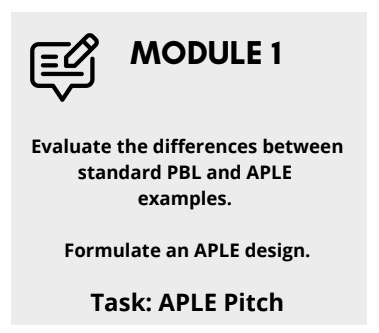
  • Slide titled 'Module 1' with instructions to evaluate differences between standard PBL and APLE examples and formulate an APLE design, focusing on the task 'APLE Pitch'.

    Module 1

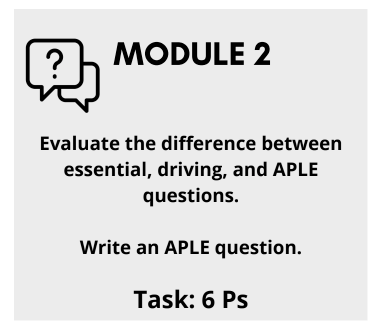
  • Module 2 title slide with instructions on evaluating differences between essential, driving, and APLE questions, and writing an APLE question, with a task value of 6 points.

    Module 2

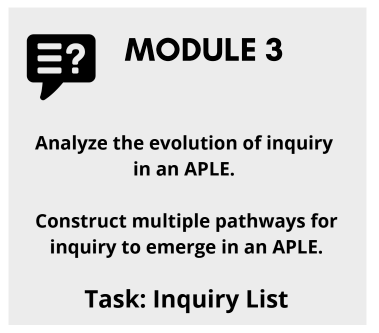
  • Slide titled 'MODULE 3' with instructions to analyze the evolution of inquiry in an APLE, construct multiple pathways for inquiry to emerge in an APLE, and complete an Inquiry List.

    Module 3

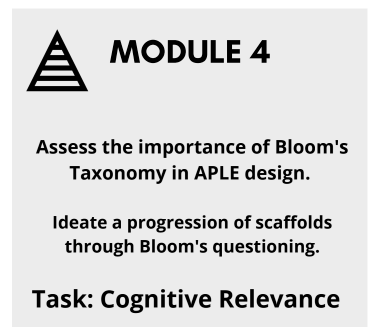
  • Module 4 screen with a pyramid icon and text about Bloom's Taxonomy and scaffold progression in APLE design, focusing on cognitive relevance.

    Module 4

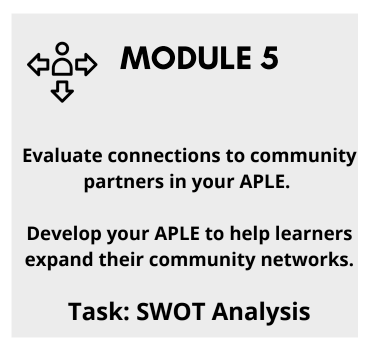
  • Title: MODULE 5. Instructions to evaluate connections to community partners in your APLE and develop your APLE for community network expansion. Task: SWOT Analysis.

    Module 5

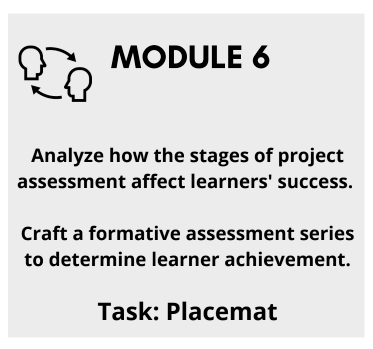
  • Slide titled MODULE 6 with instructions to analyze how project assessment stages affect learner success, craft formative assessments, and a task labeled Placemat.

    Module 6

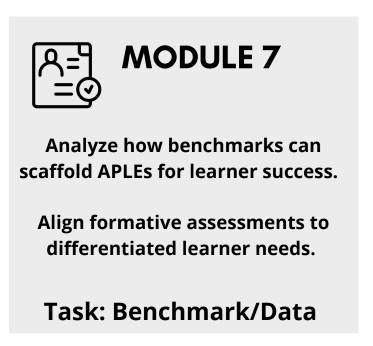
  • Slide titled 'Module 7' with the tasks: analyze benchmarks for scaffolded APLEs, align assessments for learner needs, and perform benchmark/data task.

    Module 7

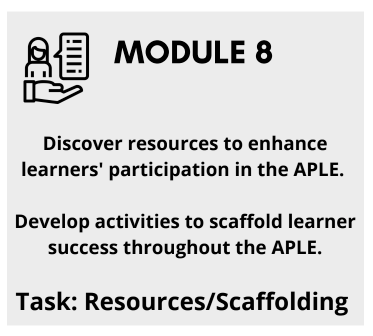
  • Module 8: Discover resources and develop activities to enhance learners' participation and scaffold learner success in the APLE, with a focus on resources and scaffolding.

    Module 8

  • Slide titled "MODULE 9" with instructions to analyze the importance of reaching the redefinition level of SAMR and create a plan for implementing redefinition-technology tools, with the task labeled as "SAMR Graphic."

    Module 9

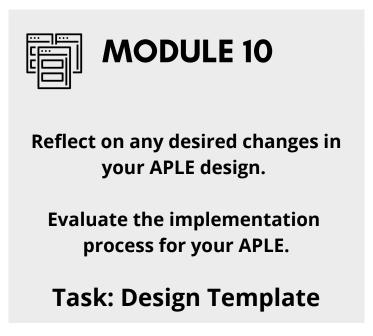
  • Slide titled 'MODULE 10' with instructions to reflect on changes in Apple design, evaluate the implementation process, and complete a design template.

    Module 10

  • QR code with the word 'bitly' at the bottom right corner.

    Get one, or all here!